Turn screen recordings
into agent ready tasks
Montra turns your screen recording into structured tasks your team and agents can act on, complete with screenshots and annotations.
Download for freeDownload for Mac
FEATURED BY







How Montra Works
Four steps from hotkey to shipped fix.
Record Your Screen
Press ⌘⇧M and Montra captures your active display and your voice. No source picking, no setup. You're recording in seconds.
Montra Extracts Your Tasks
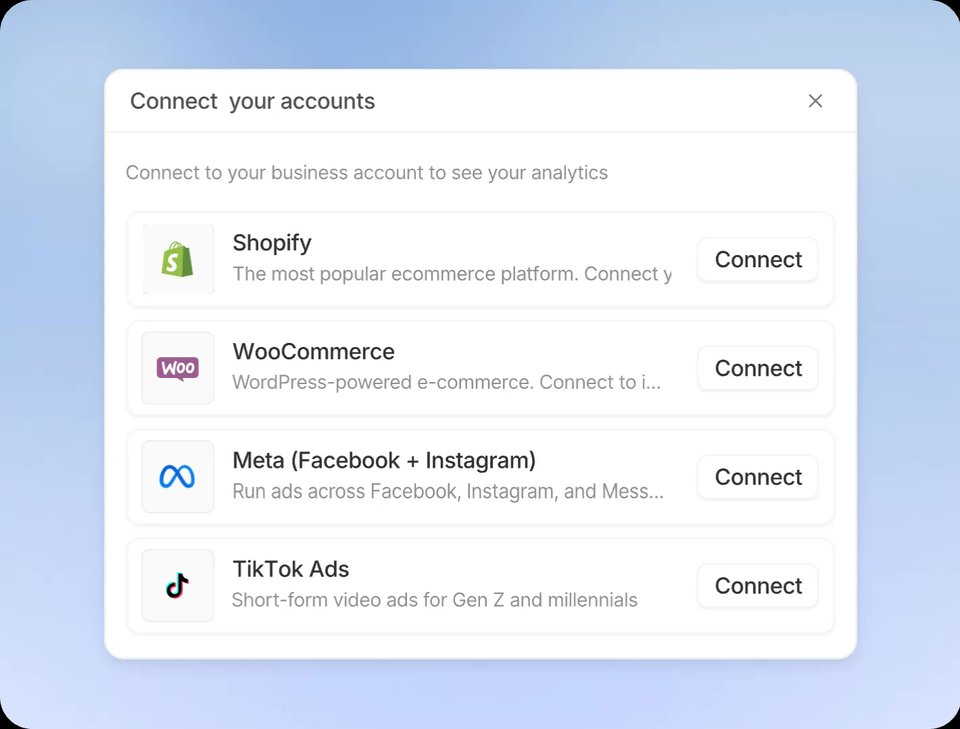
Talk through it while you show it. Montra listens to your narration and automatically extracts the tasks: what to change, where it lives, and how it should behave.
Annotate What You Need
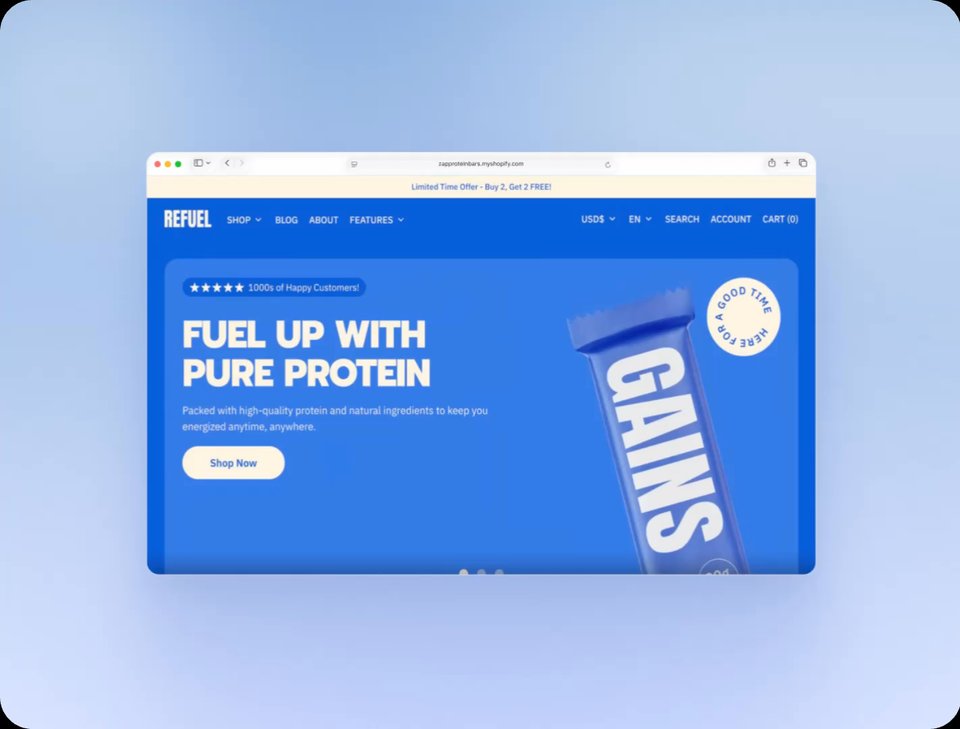
Review the extracted tasks and make them yours. Annotate the key screenshots, refine the details, and cut anything you don't need.

Handoffs Made Simple
Share with your team or an agent. Turn tasks into Linear tickets, or copy them for Cursor, Claude Code, GitHub, and Notion.

Everything between seeing it and shipping it.
Six things Montra does so you never re-type what you already explained.
Instant Capture
One global hotkey records your active display and your voice. No source picking, no setup. You're recording before the bug disappears.
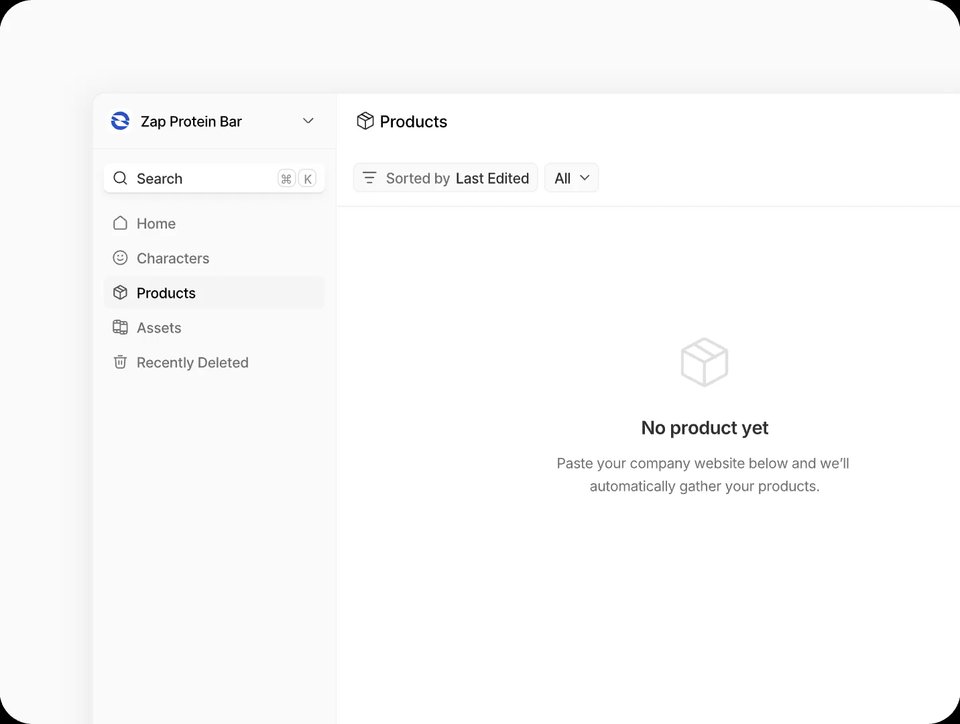
Voice → Tickets
Talk through the problem while you show it. Montra turns your narration into structured tickets with titles, context, and expected behavior.

Annotated Frames
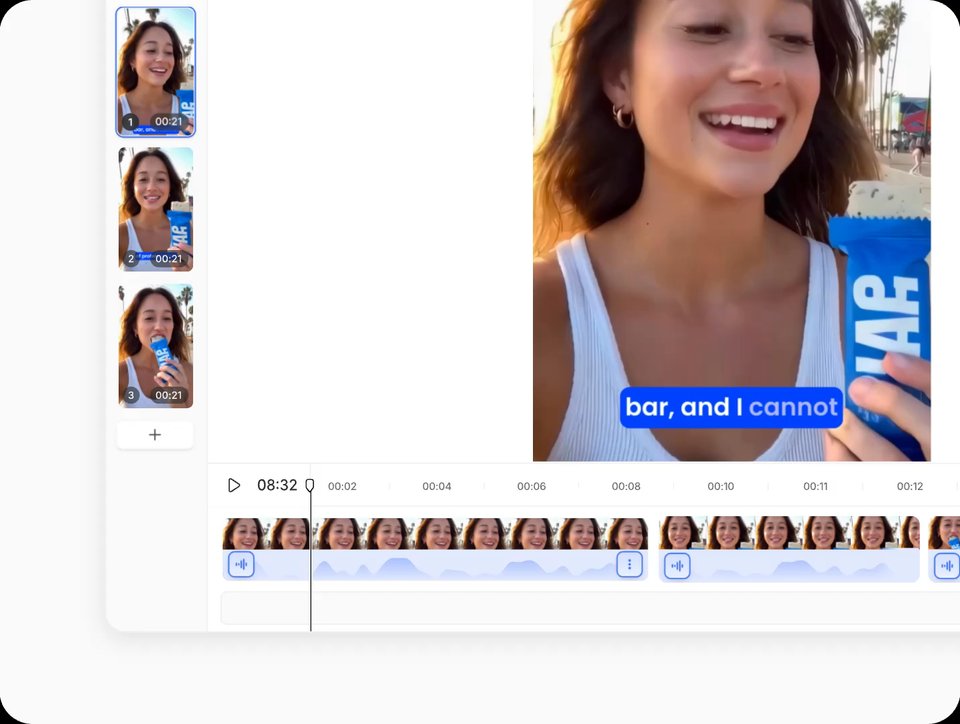
Montra grabs the exact moments you pointed at and attaches annotated screenshots, so the prompt shows what you saw, not a description of it.
Agent Links
Every share ships with a JSON context URL your coding agent can curl: transcript, frames, and tickets in one machine-readable payload.
One-Click Handoff
Prompts and tickets formatted for Cursor, Claude Code, v0, Linear, GitHub, and Notion. Copy once, paste anywhere.
Export to Linear
Turn any task into a Linear ticket in one click, or send it to Jira and GitHub. Your backlog fills itself.
What they say about Montra
See how Montra helps teams collaborate with agents faster.
The Montra team built a platform where you can create full end to end videos just by interacting with their chat, Montra Director!

An AI editor that makes Premiere out of date, you can generate video, music, graphics directly on the timeline and literally chat with agent to make changes.

Generate, Chat & Edit, Ship. Go from idea to finished video in one seamless flow. It's so simple, fast, and fully in your control and all by just chatting.

This feels like cheating. This AI gives you full videos, consistent characters, pro-level polish all by chatting.

An AI powered video platform where you can generate, edit, and polish professional videos in minutes, no camera needed.

Frequently Asked Questions
Everything you need to know before your first recording.
A Mac desktop app that turns narrated screen recordings into tickets and implementation-ready prompts for AI coding tools.
Press the global hotkey (⌘⇧M by default) and Montra records your active display plus your microphone. Stop, and generation starts automatically.
On your Mac by default. Media is uploaded only to power things you explicitly create: share links and agent context URLs.
Montra's cloud uses Anthropic's Claude models to analyze your narration and key frames, then drafts the tickets and prompt.
Cursor, Claude Code, v0, Linear, GitHub, and Notion, plus a raw agent-context JSON URL for anything that can make an HTTP request.
An Apple silicon Mac. The app is signed and notarized, and installs by dragging Montra into Applications.
Montra is in beta and free while we build. Pricing comes later. Early users hear about it first.
Montra checks for updates automatically and prompts you to relaunch when a new version is ready.
Structured tasks extracted from your narration, an implementation-ready prompt, and annotated screenshots of the exact moments you pointed at. Review, annotate, and cut anything you do not need before handing off.
Every share link carries a JSON context URL with the tasks, the transcript, and the annotated frames. Teammates read the same link in the browser while coding agents pull the machine-readable payload.
Yes. Turn any extracted task into a Linear ticket in one click, or export it to Jira, GitHub, and Notion instead.
Record once and share the link: teammates collaborate on the tasks, assign handoffs, and agents pick up the same context. The Teams plan adds a shared workspace and centralized billing.

Record once. Hand off everything.
Montra turns your next screen recording into agent ready tasks for your team and your agents.
Download for Mac